Background
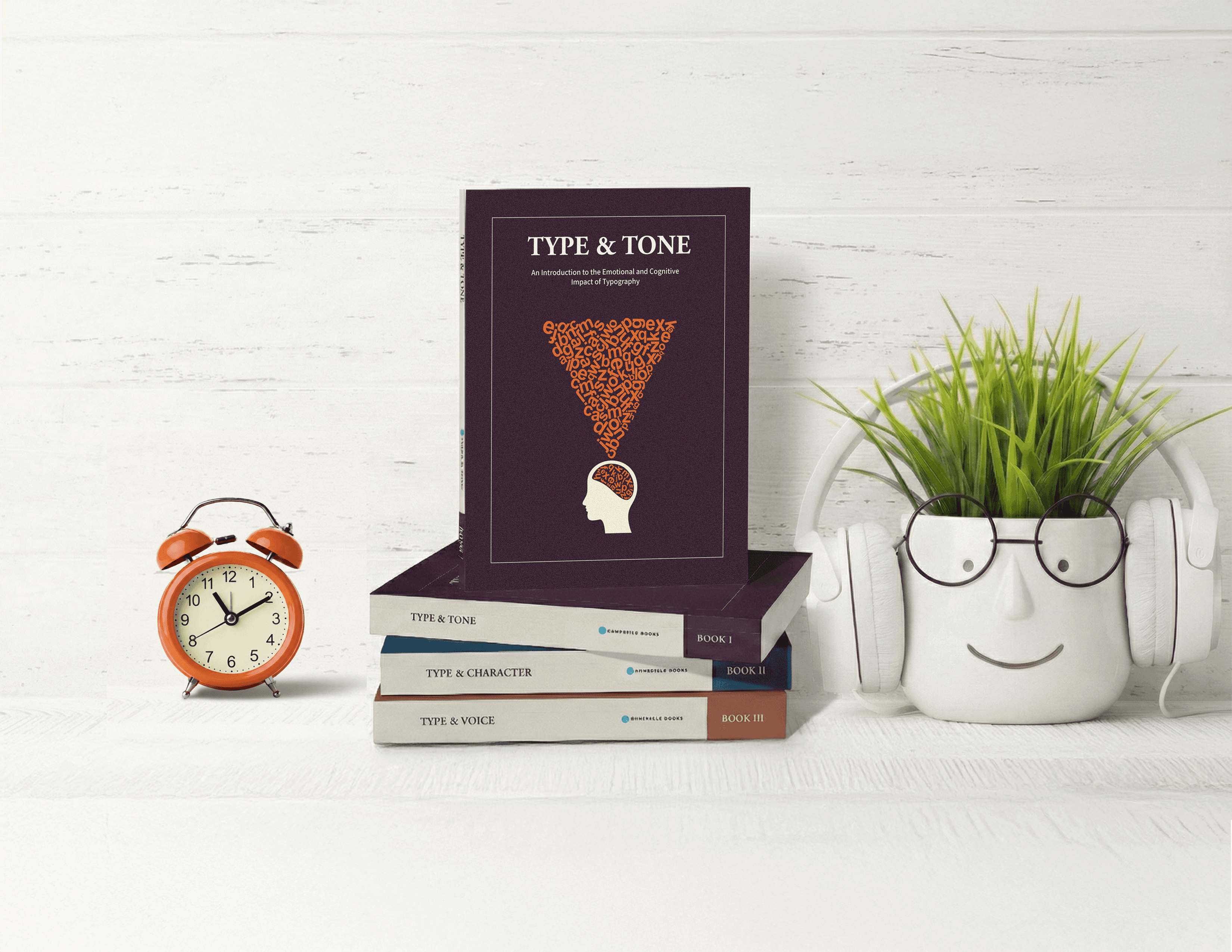
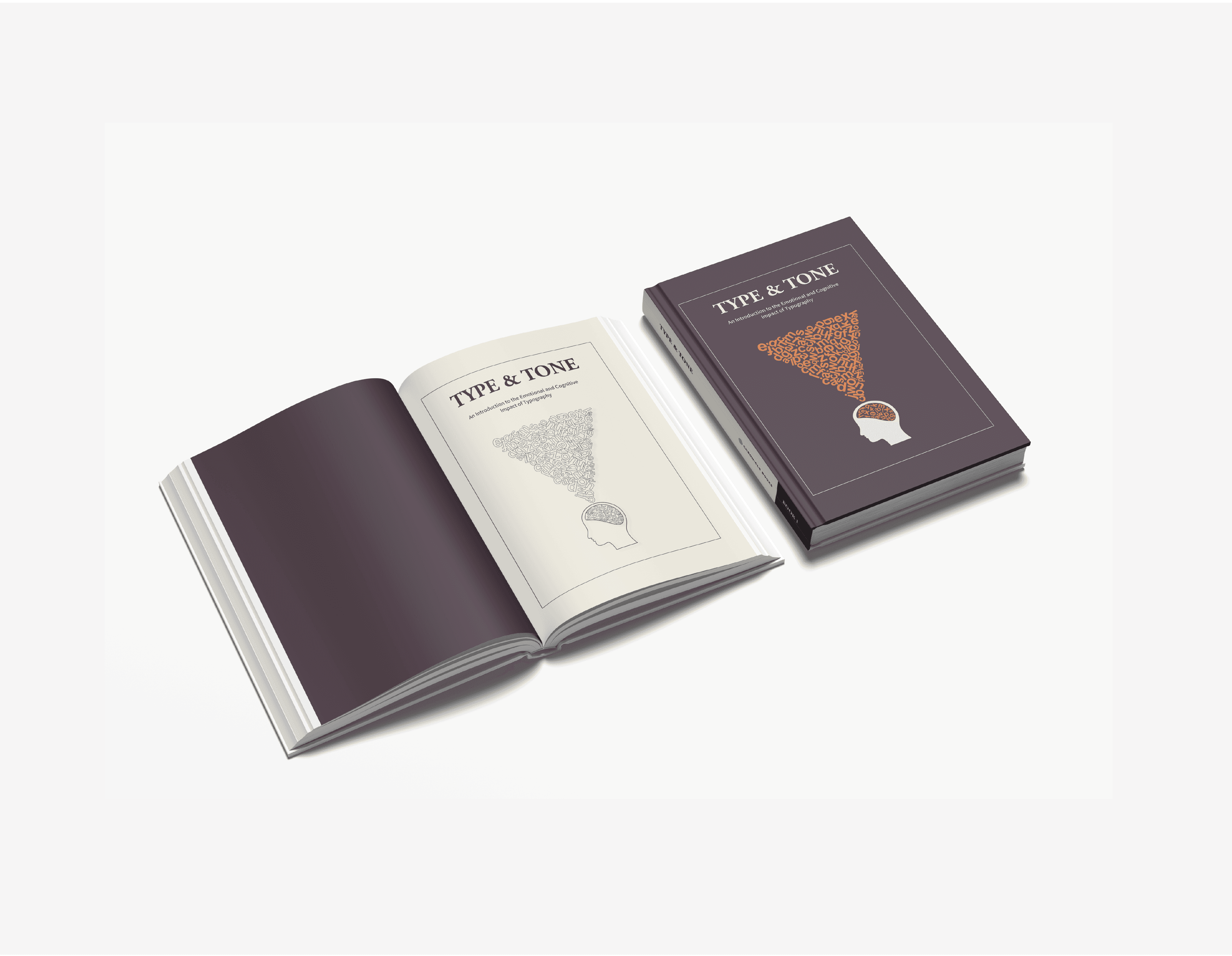
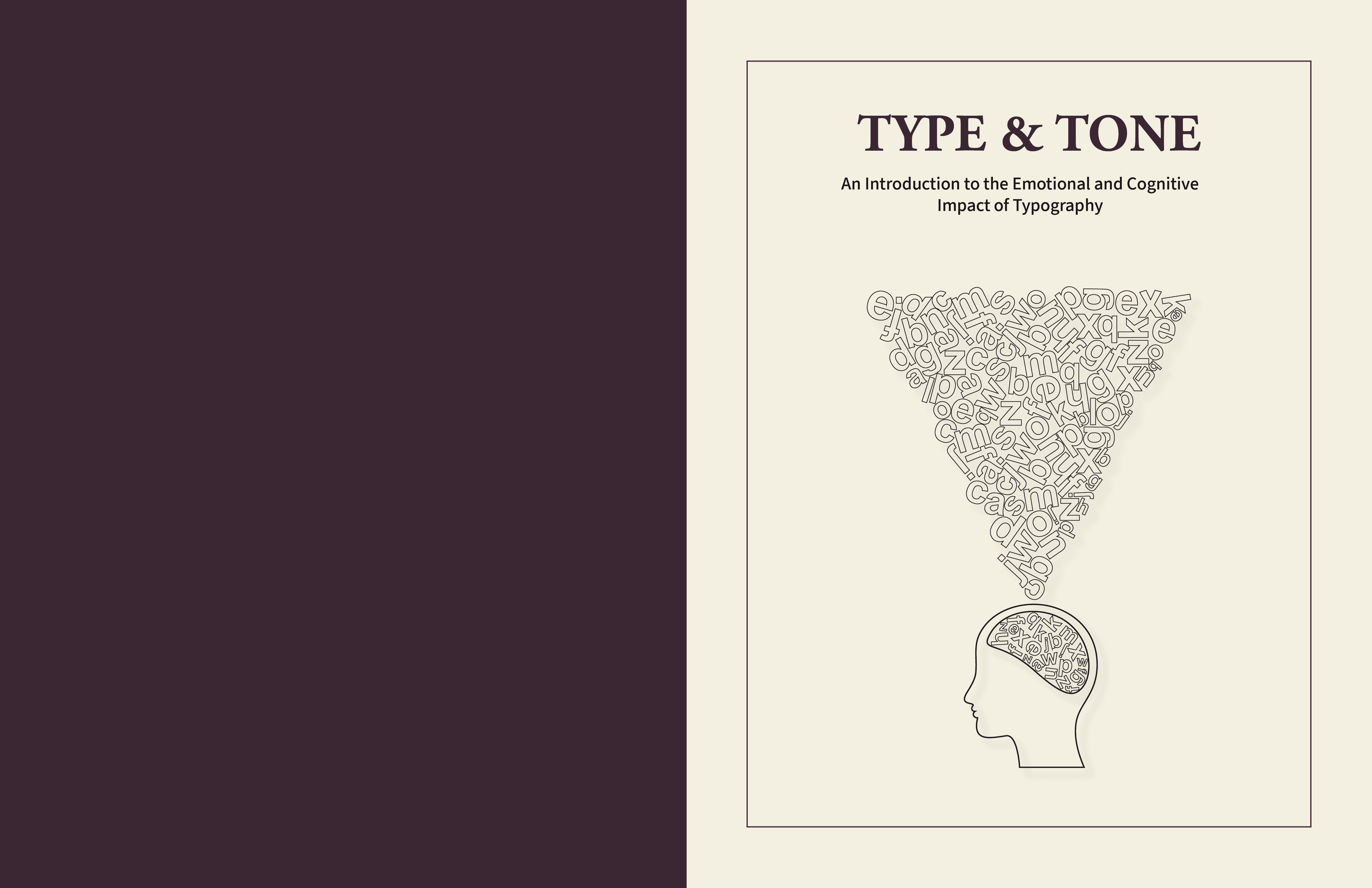
Type & Tone is the first book in a conceptual three-part series, The Psychology of Type. The series is designed to make typography feel approachable by connecting type choices to human emotion and behavior. This volume focuses on how typefaces, layout, and hierarchy influence the tone of communication. The project combines editorial layout, clear information design, and visual storytelling to turn abstract typography concepts into practical, visual lessons.
Design Problem
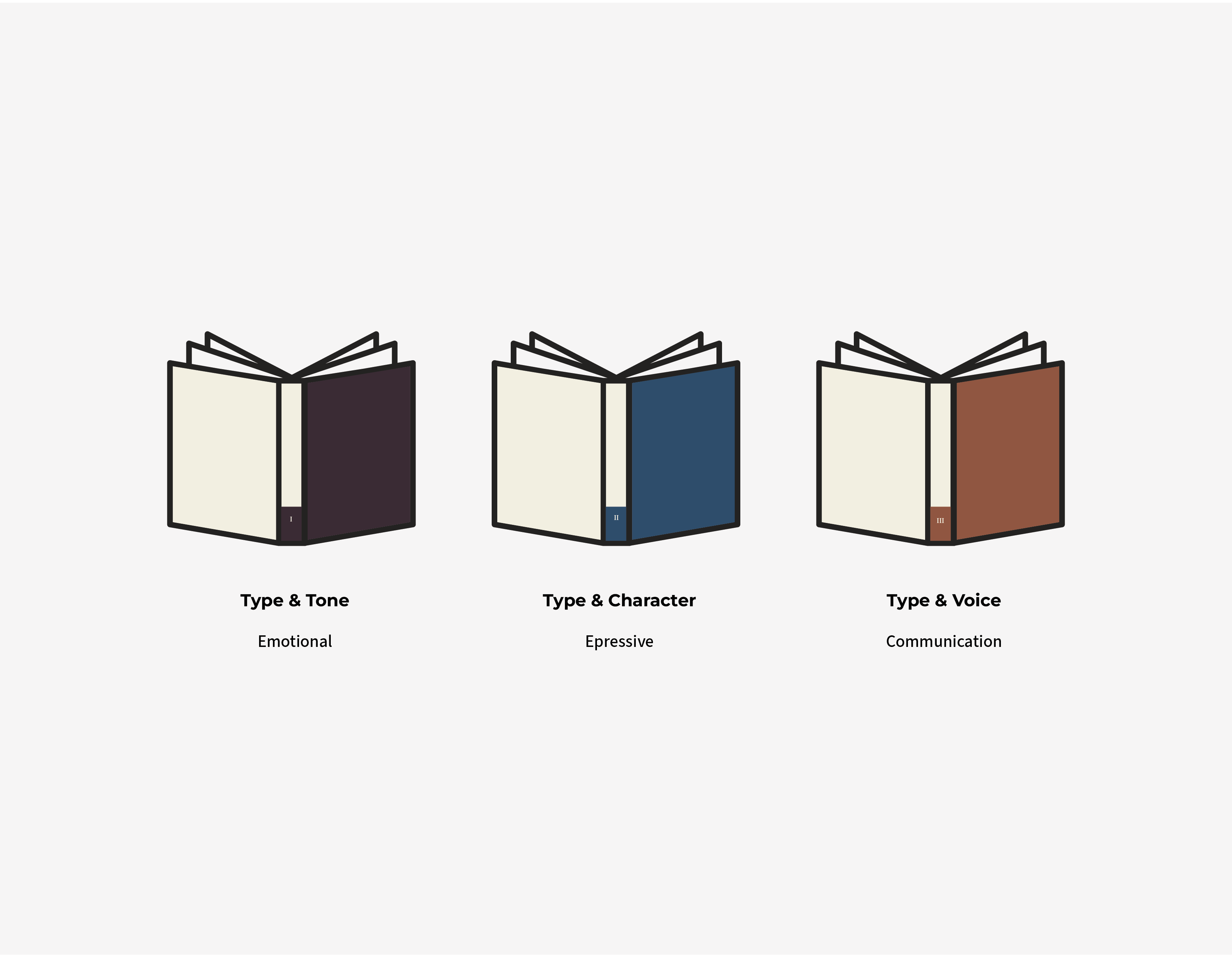
The goal was to make a book about complex typography feel simple, friendly, and organized. The hard part was creating a design style that works for the whole book, and two future books in the series. It needed to balance teaching the reader with cool, artistic visuals without making the pages look messy or confusing.
Design Solution
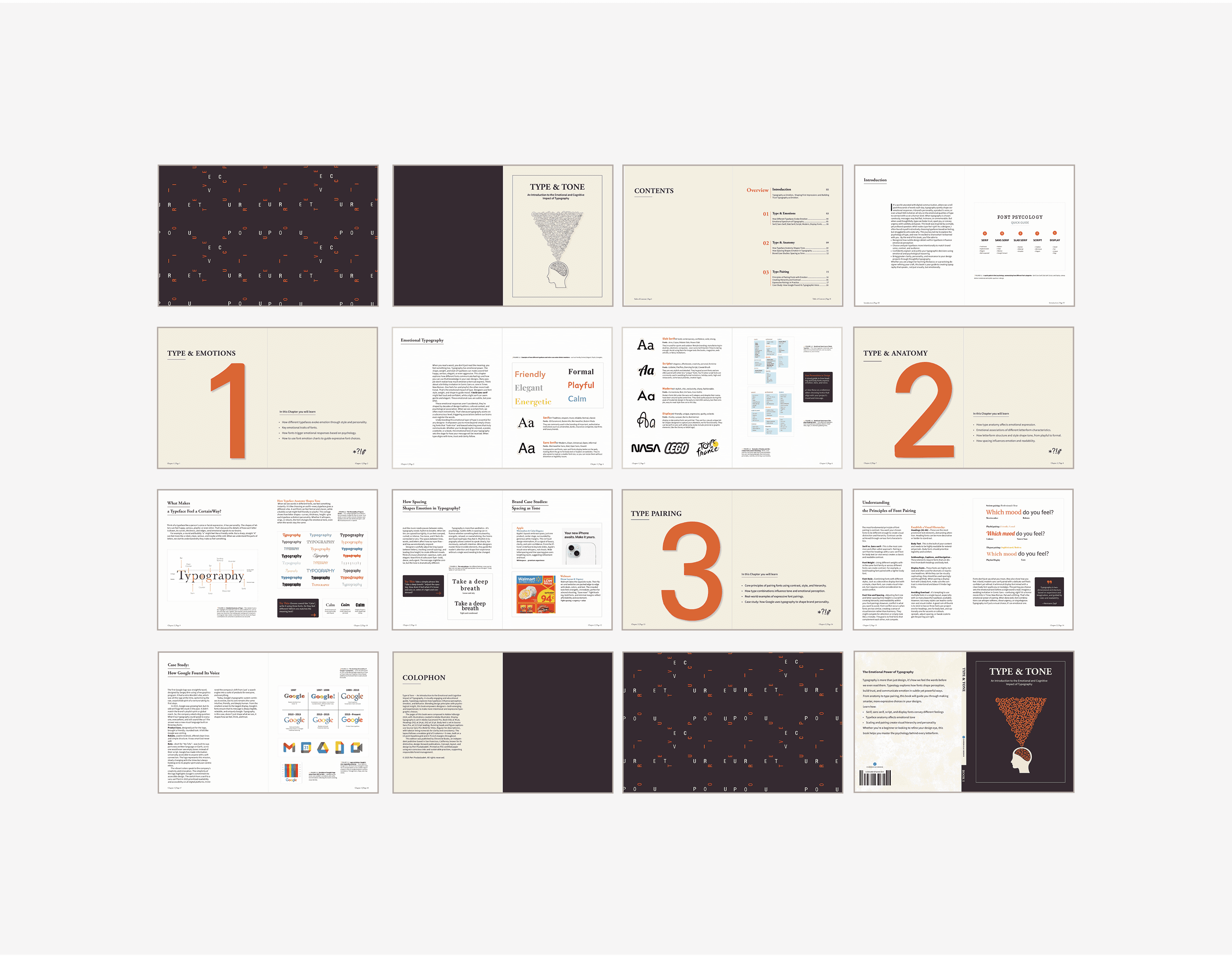
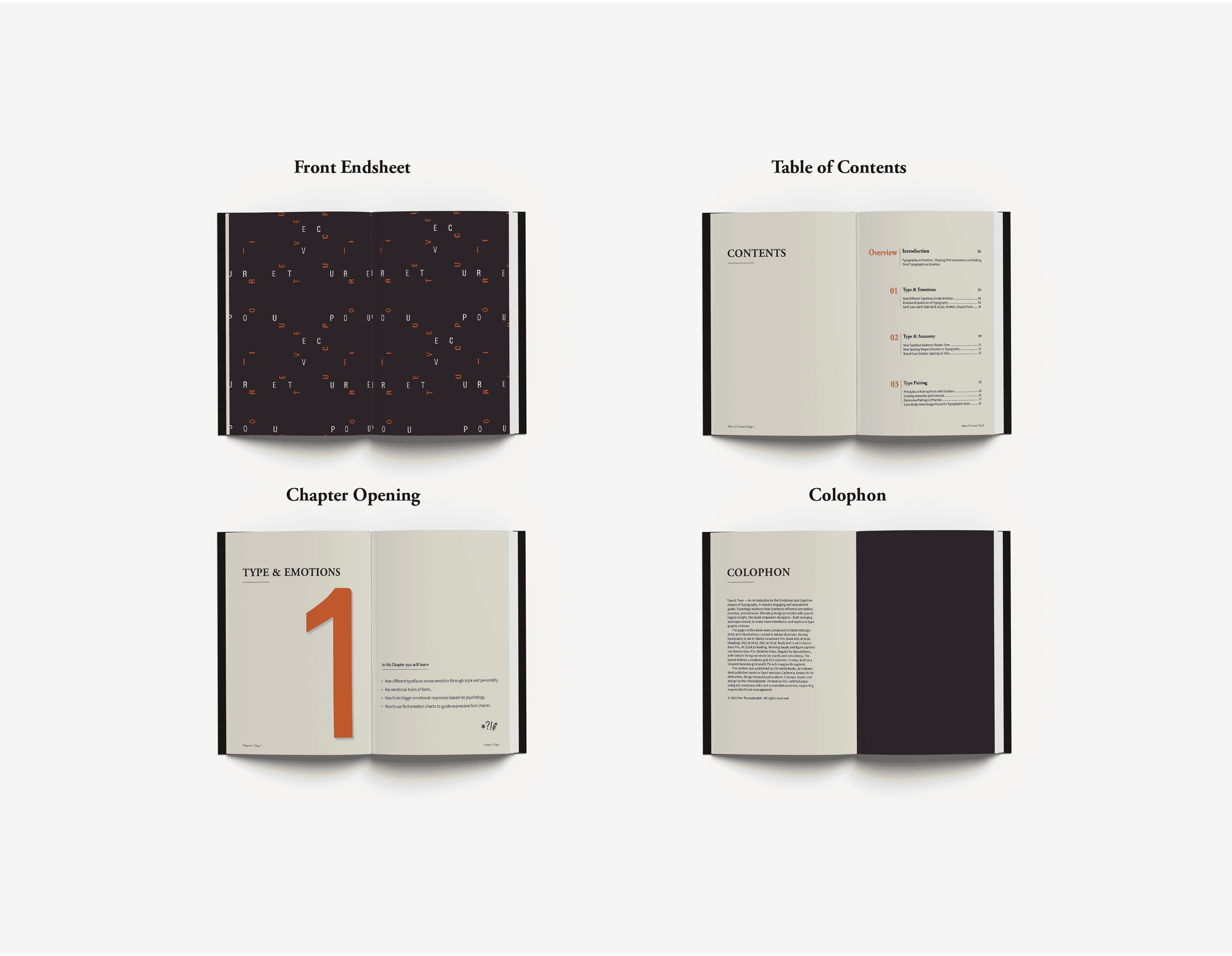
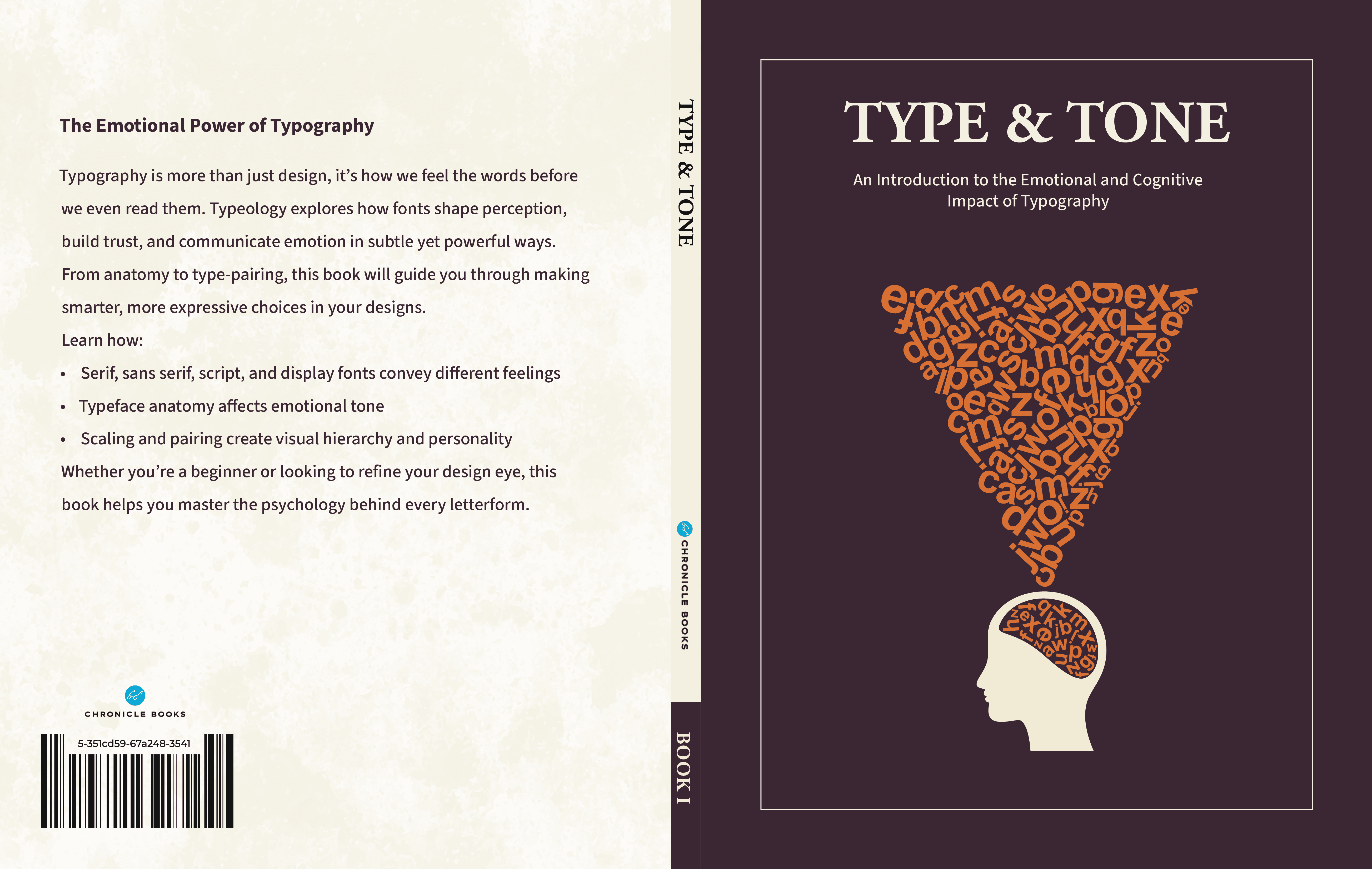
To make complex ideas accessible, I built a system based on clarity and contrast. I paired a clean grid with expressive typography to balance readability with emotion. This foundation not only works for Type & Tone but scales effortlessly to the entire Psychology of Type series.
Mood board
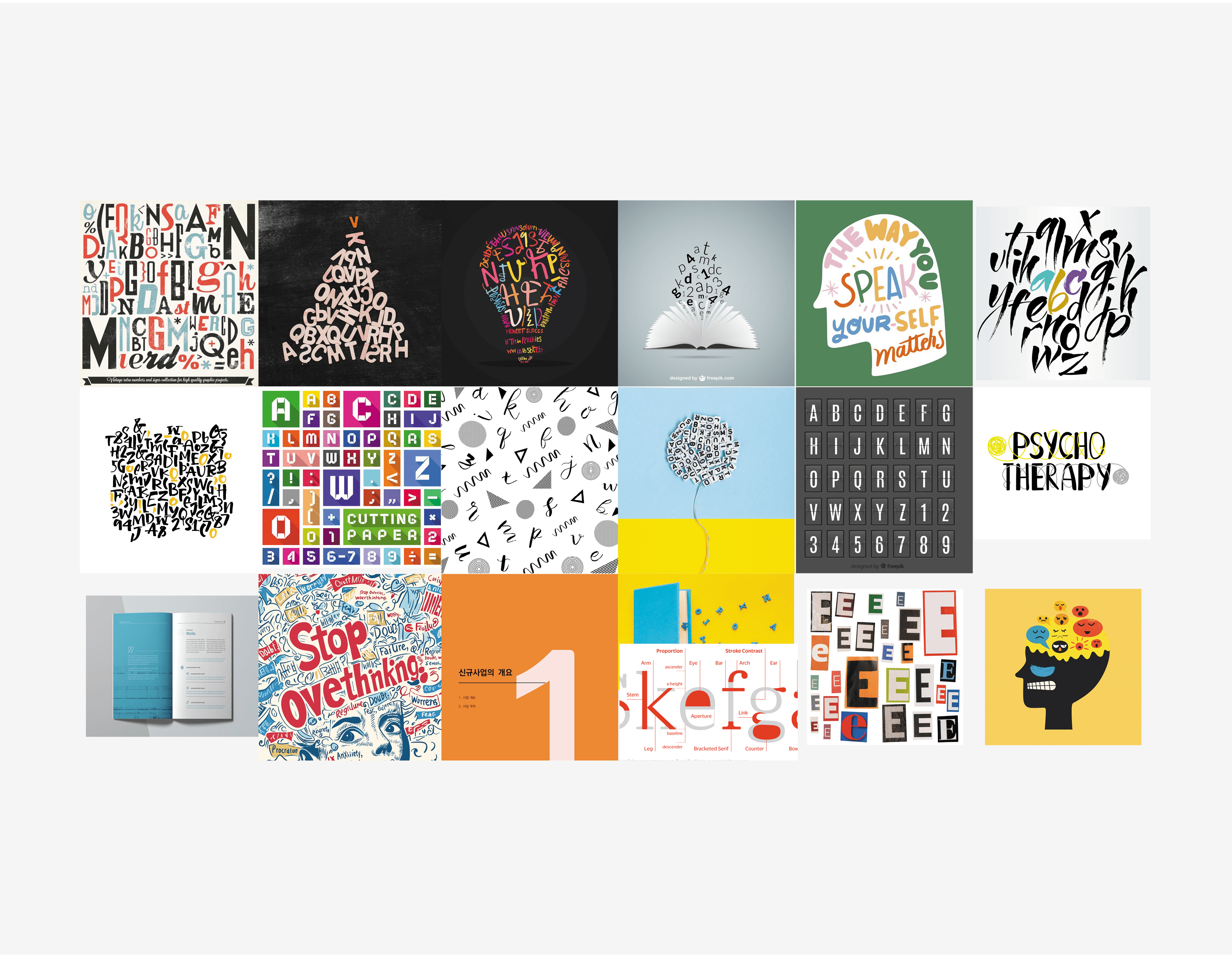
Expressive lettering, psychology book covers, speech-bubble graphics, and editorial layouts that visualize thoughts, emotions, and conversation.
Influences
Contemporary typography manuals, editorial book design, and expressive lettering that show the emotional tone of voice.
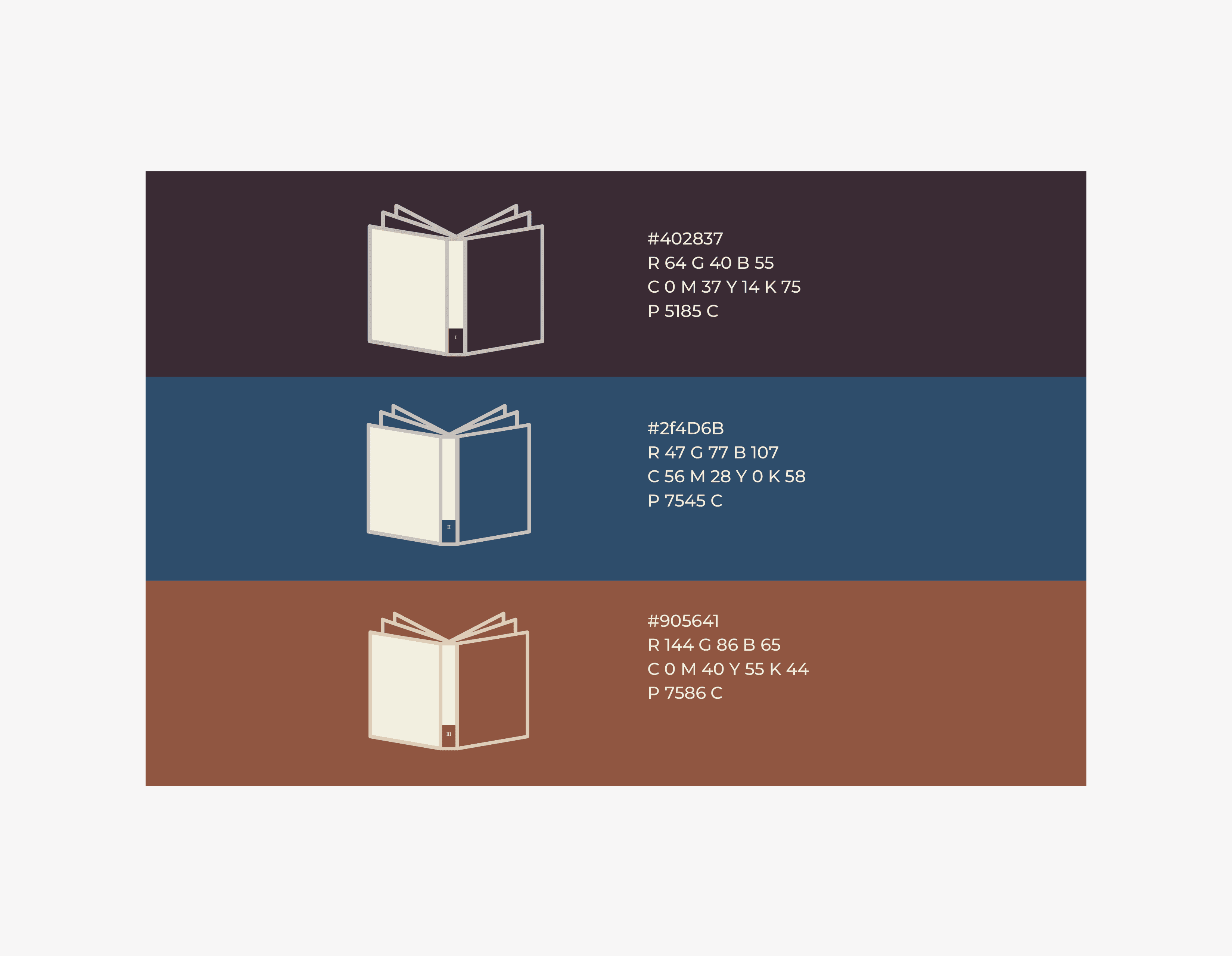
Series Cover System
Grid Structure
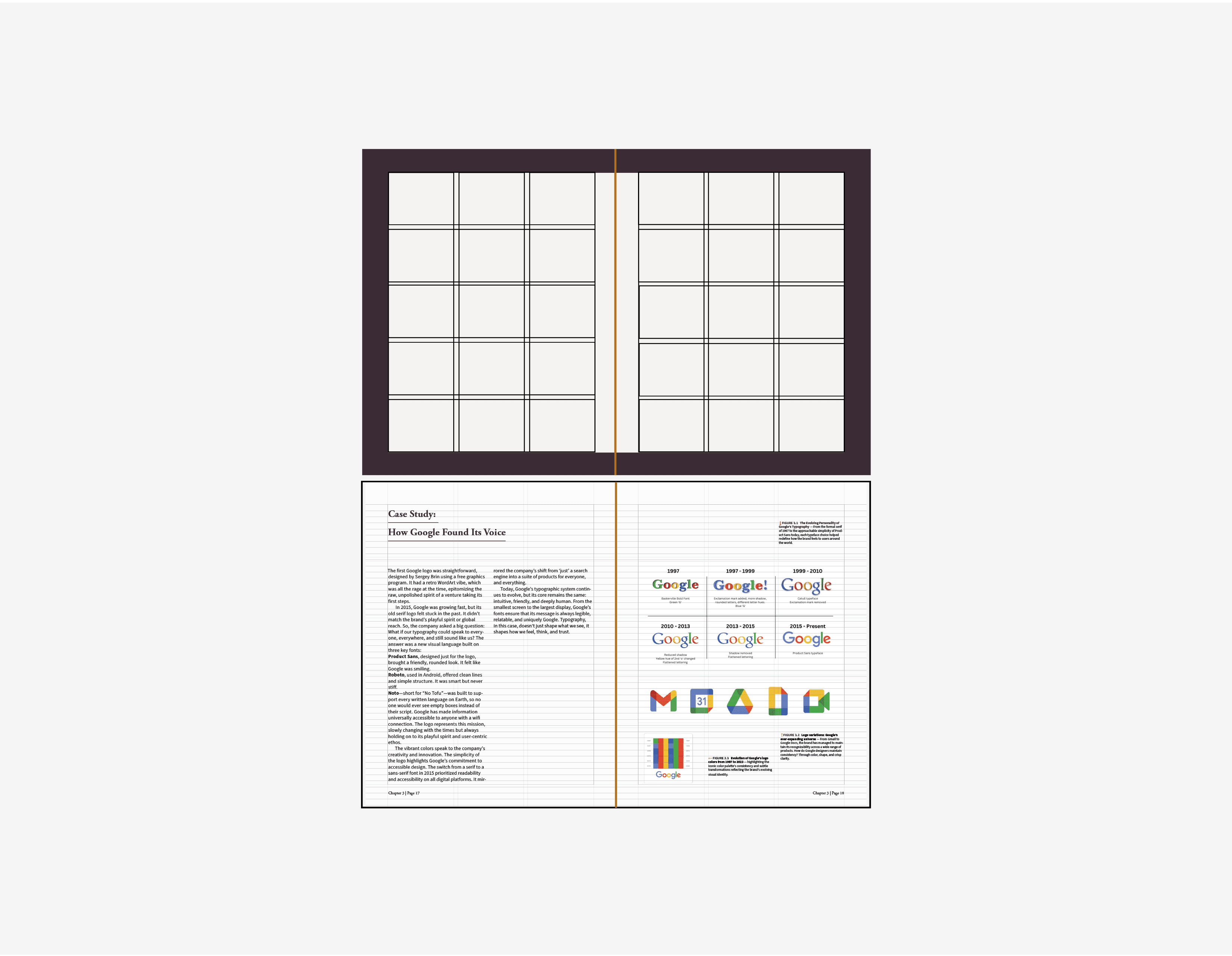
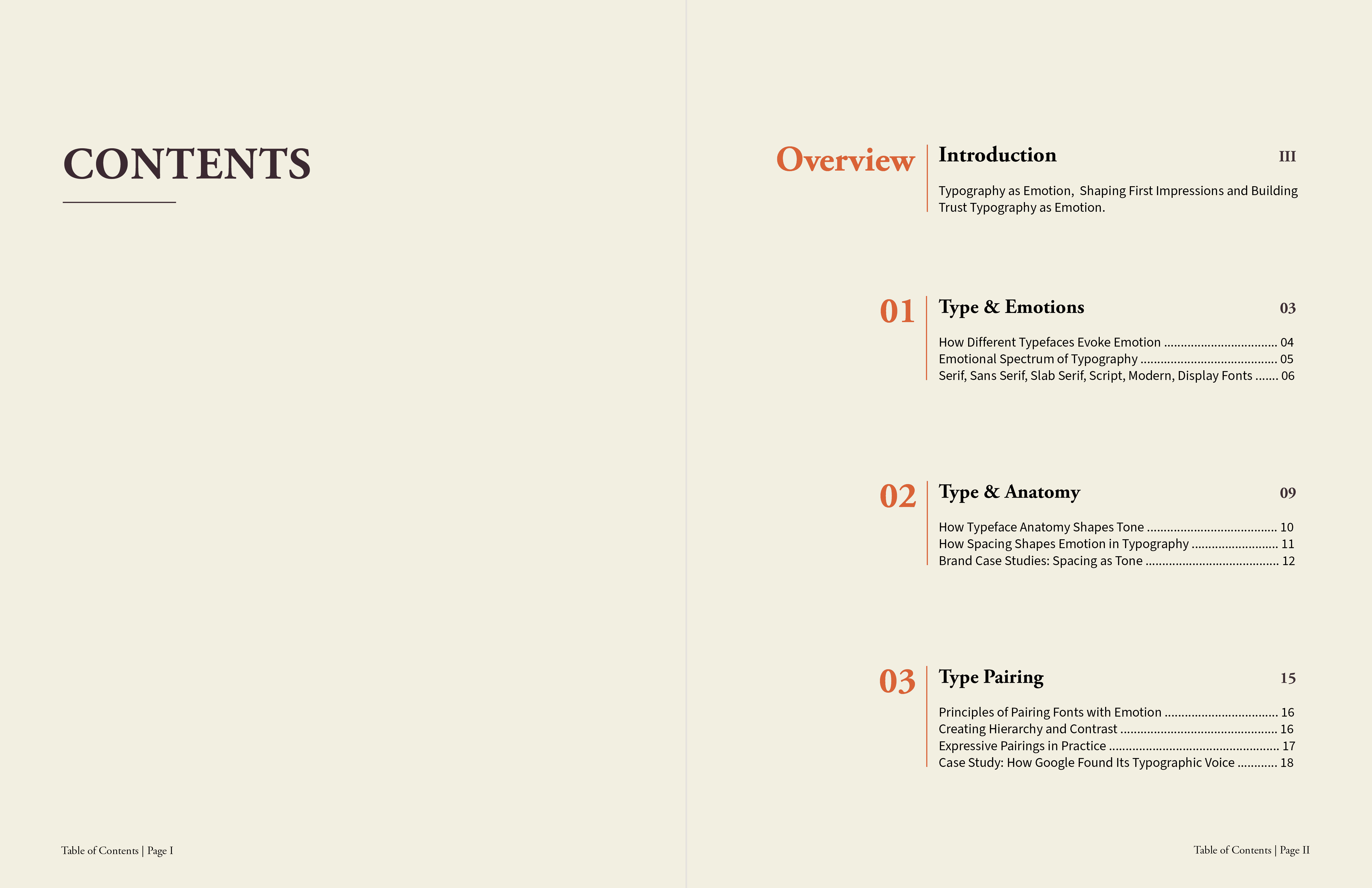
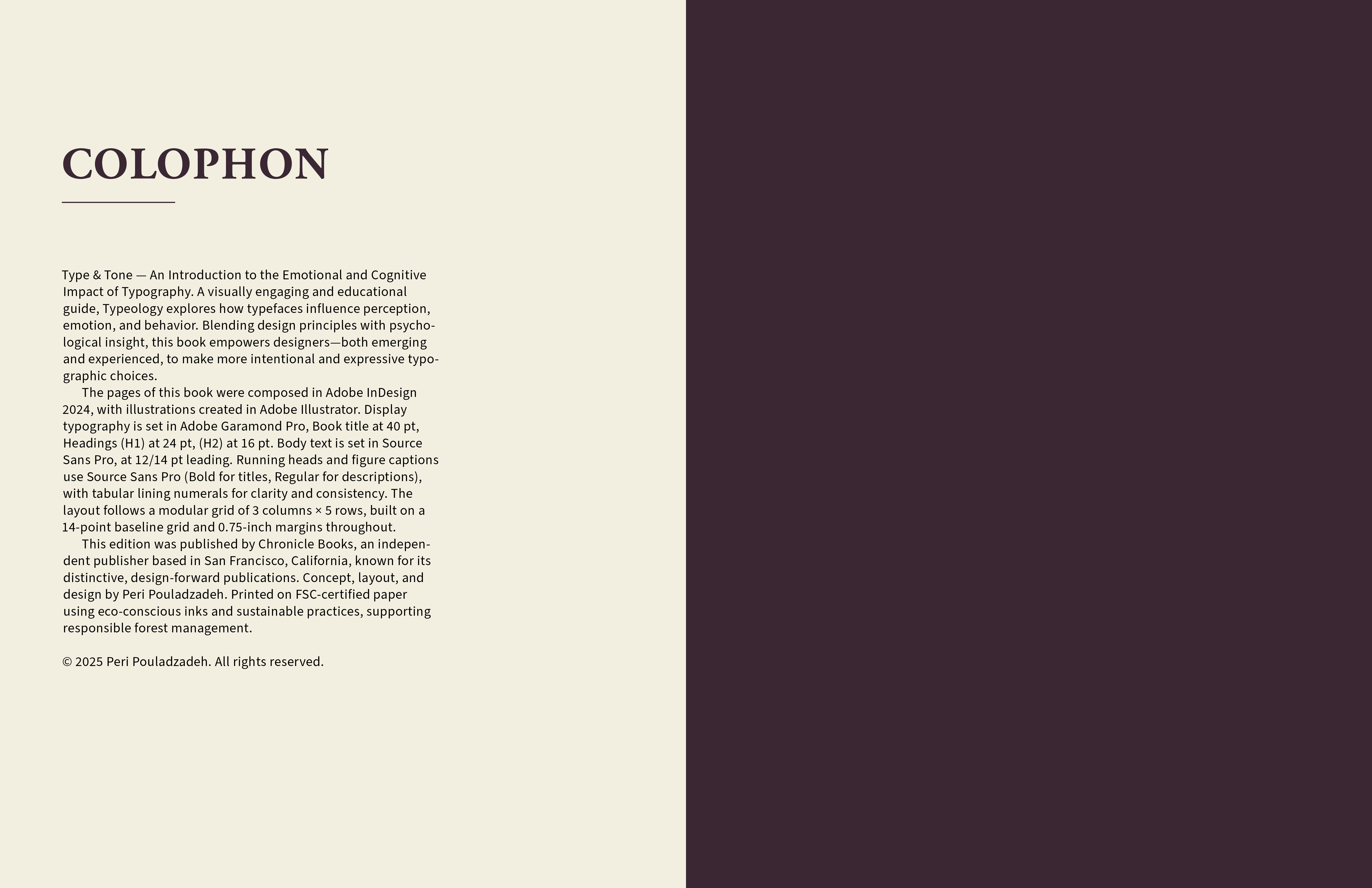
A modular grid of 3 columns × 5 rows, built on a 14-point baseline grid and 0.75-inch margins throughout.
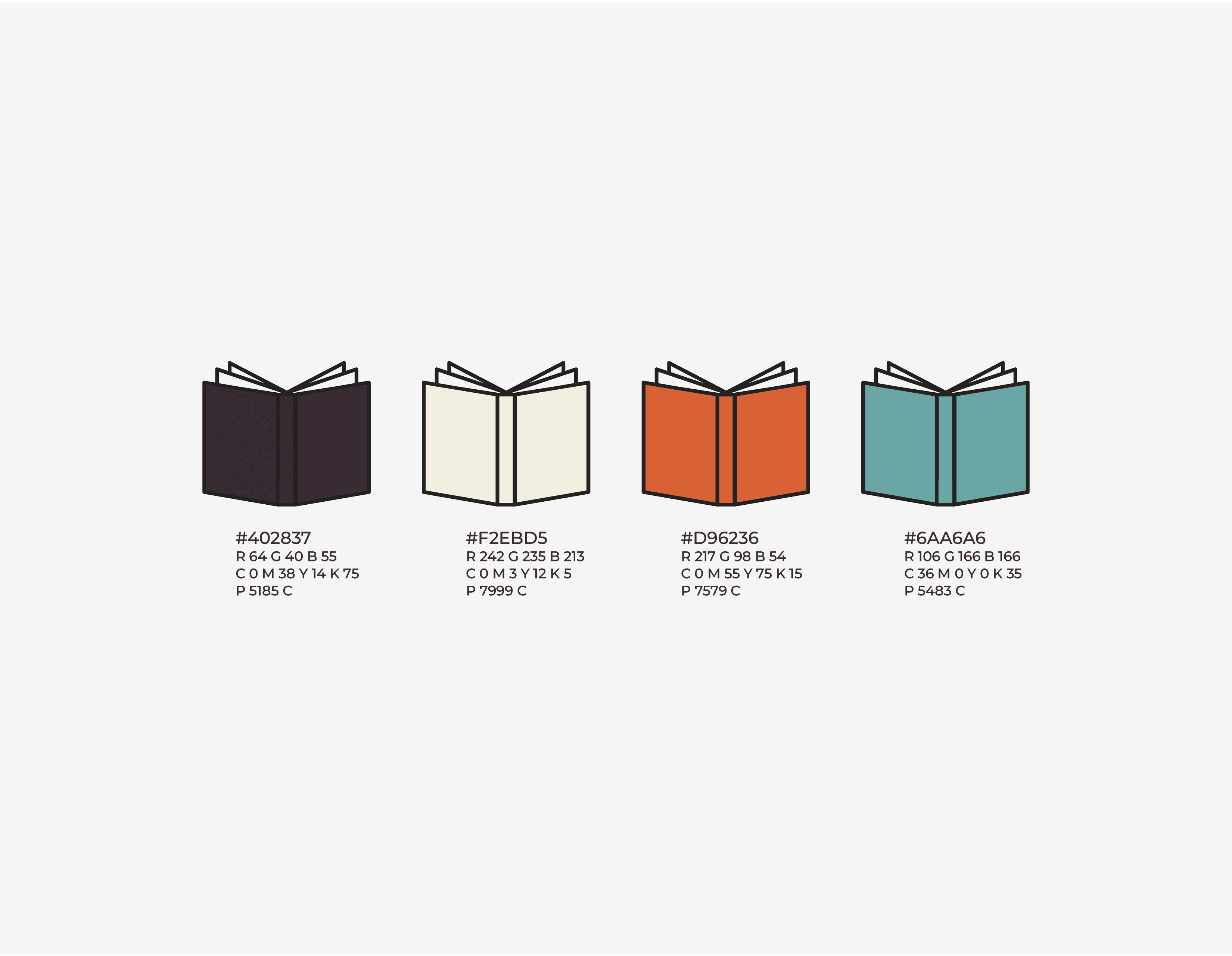
Interior Color Palette
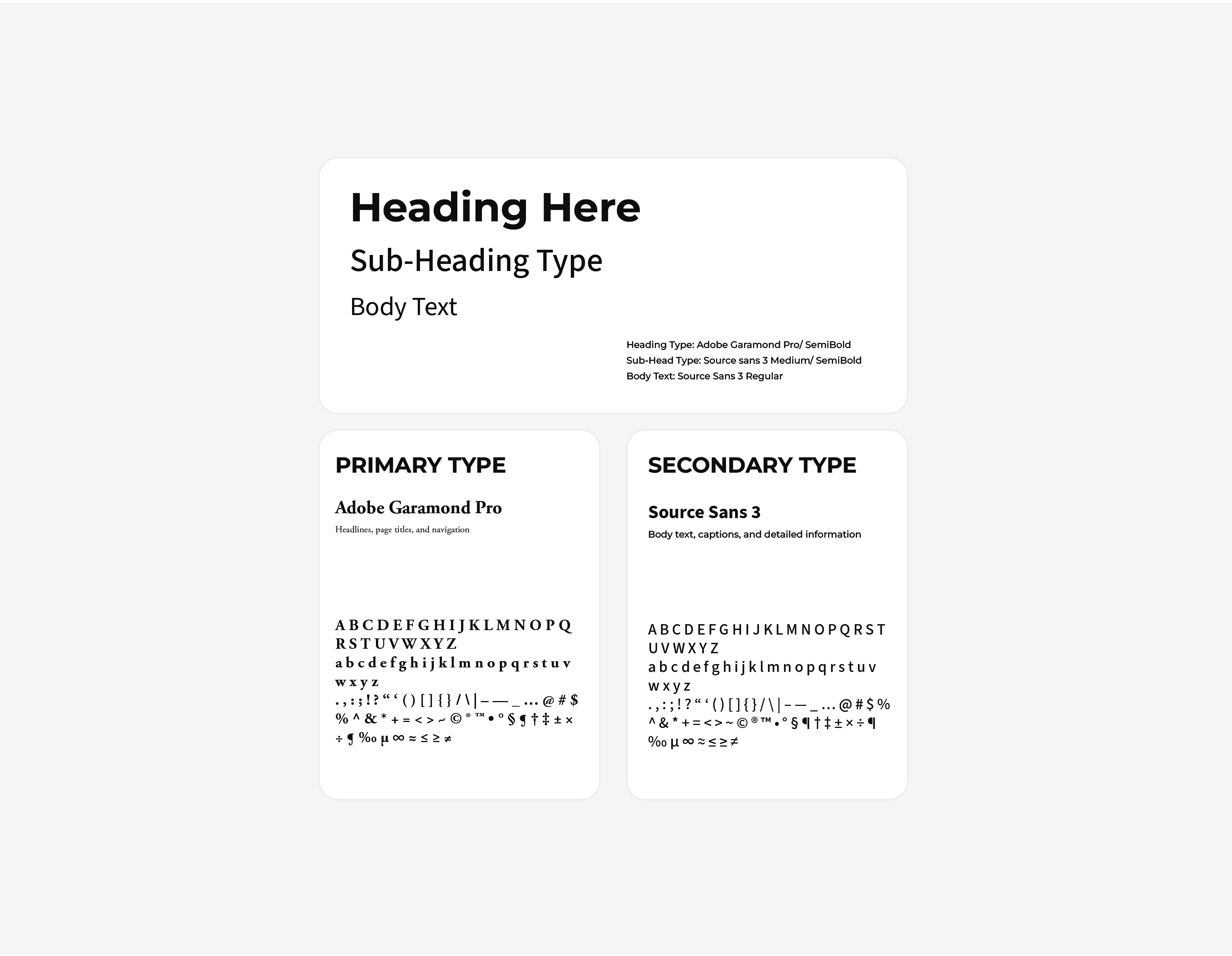
Typography
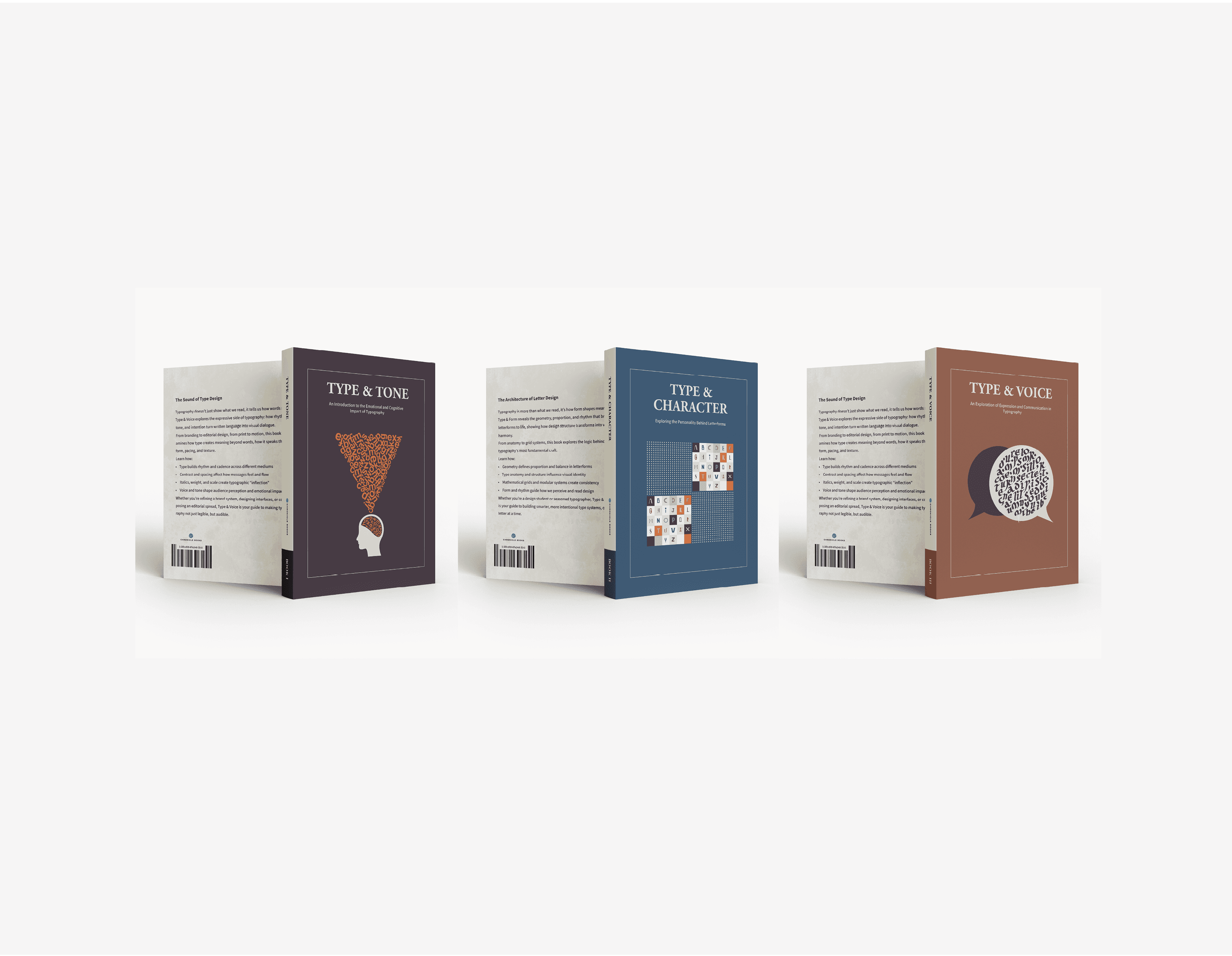
Series Covers
Cover & Interior
Layout Applications at a Glance
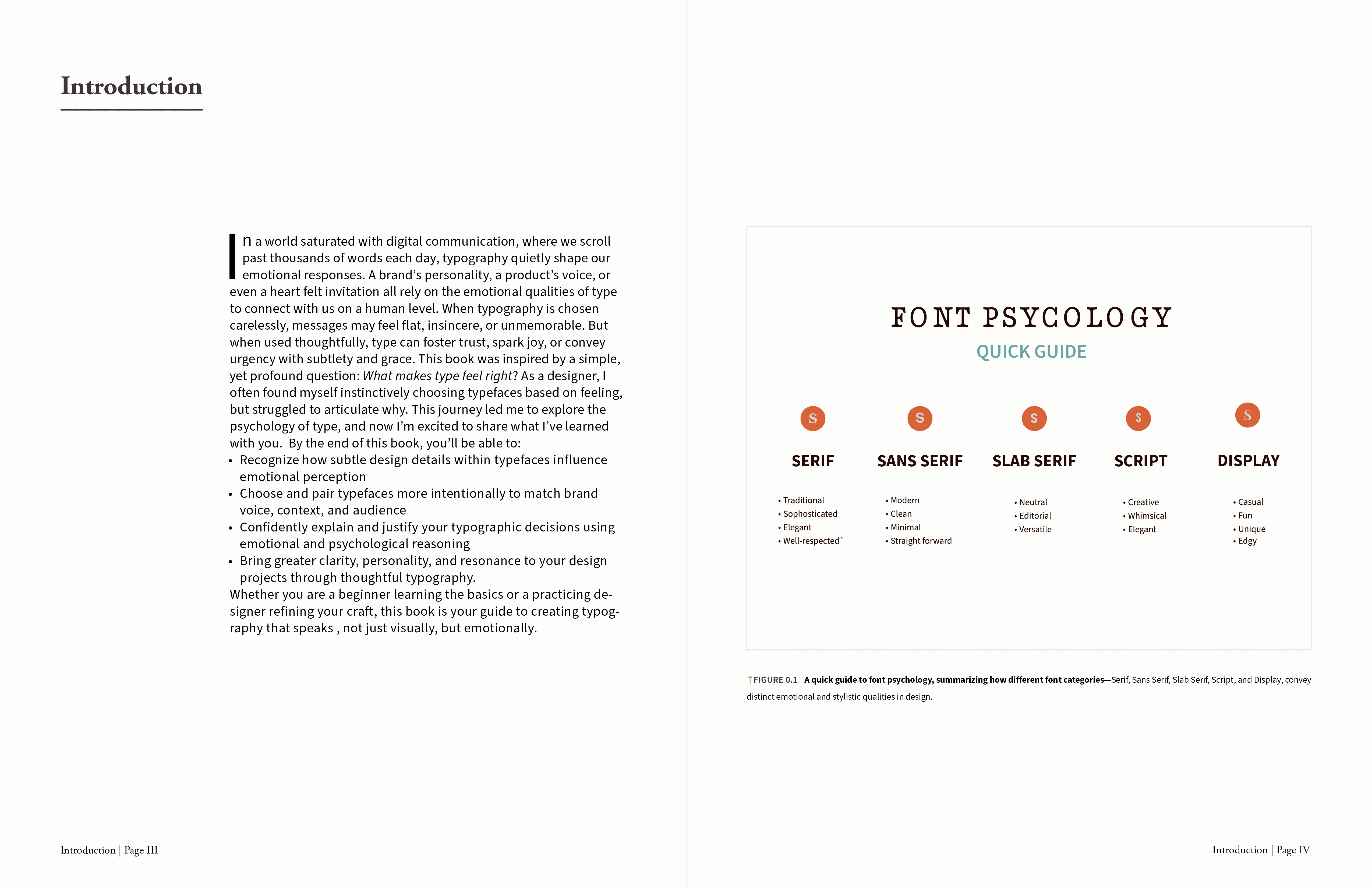
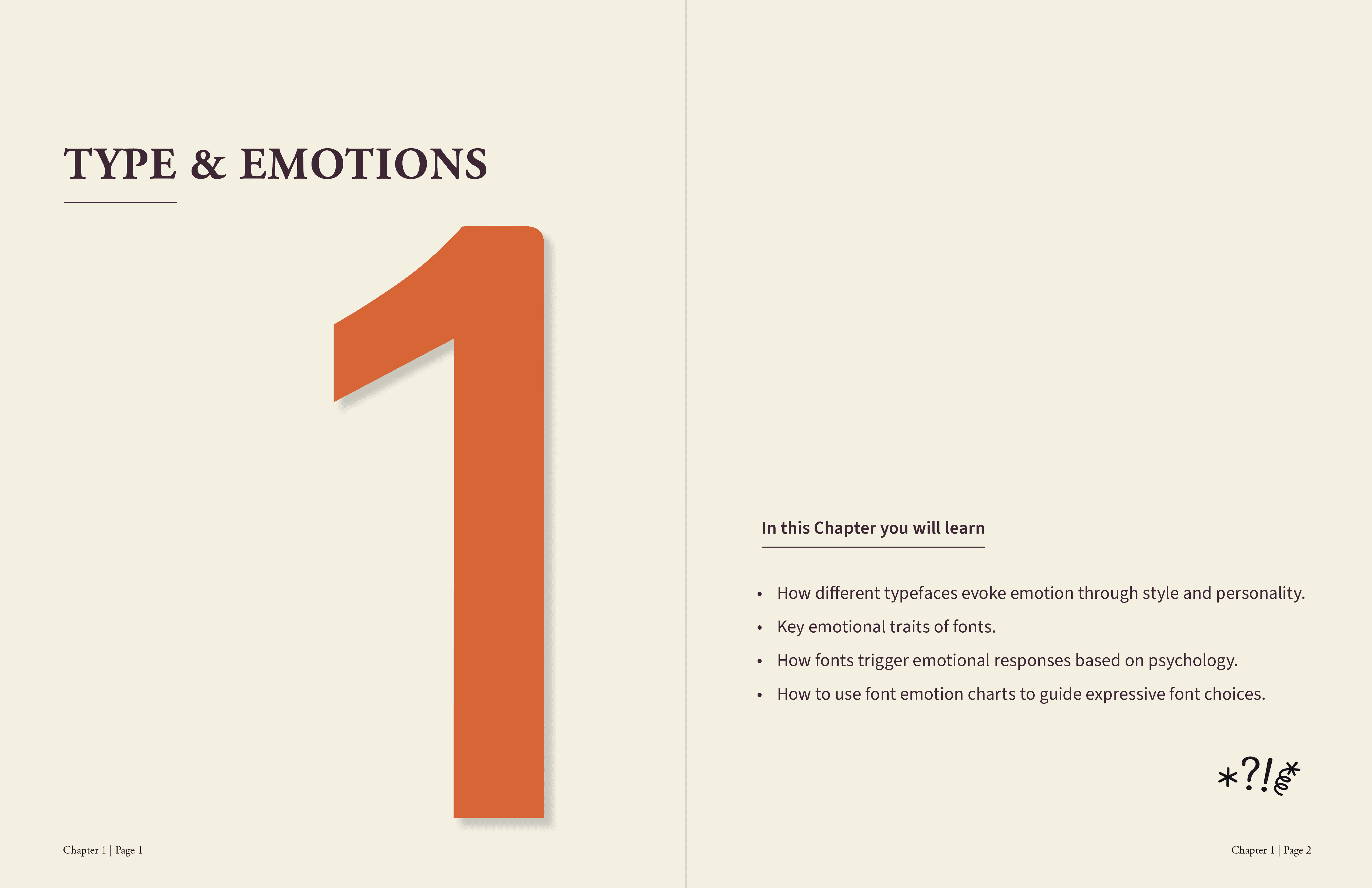
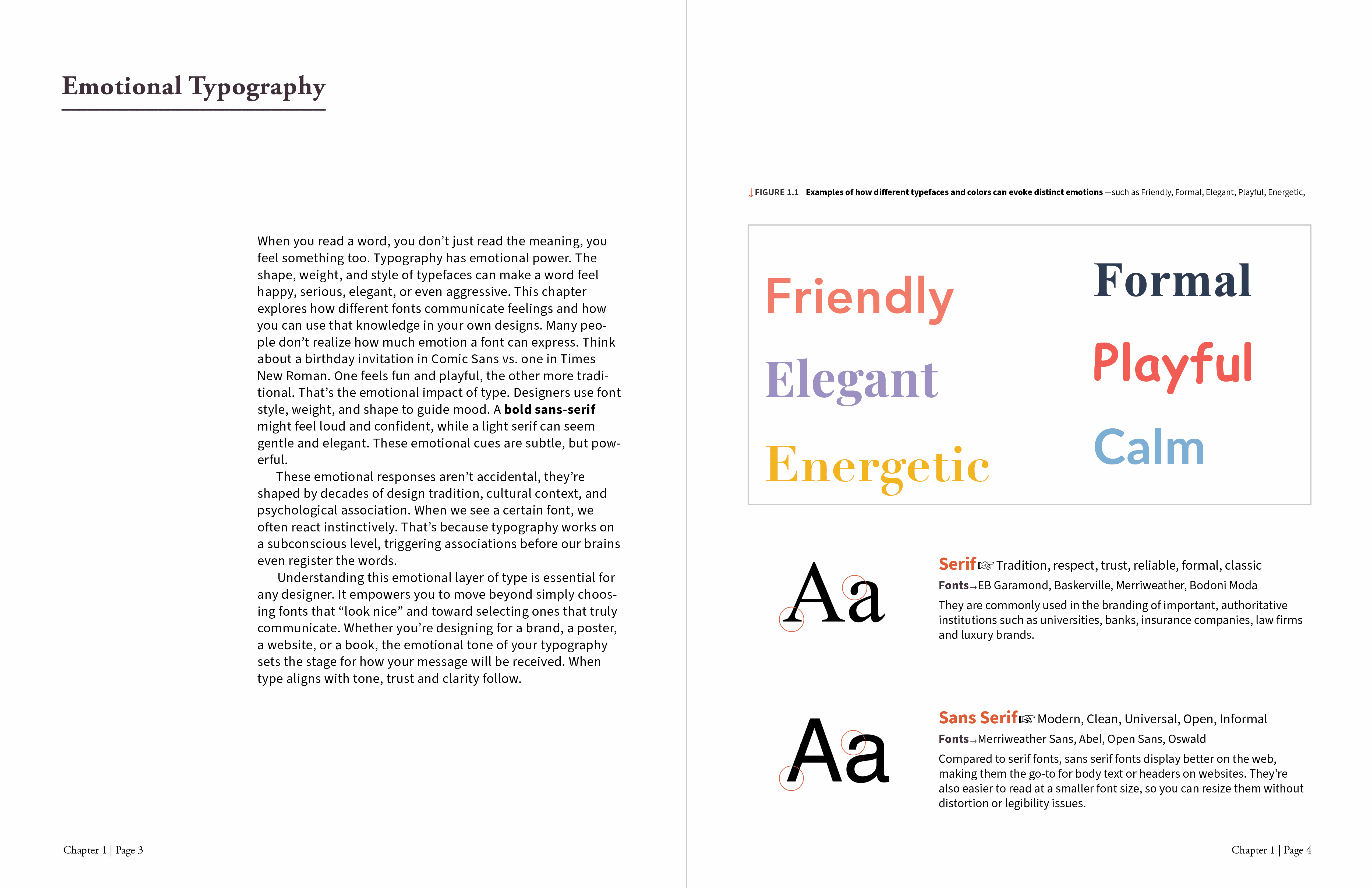
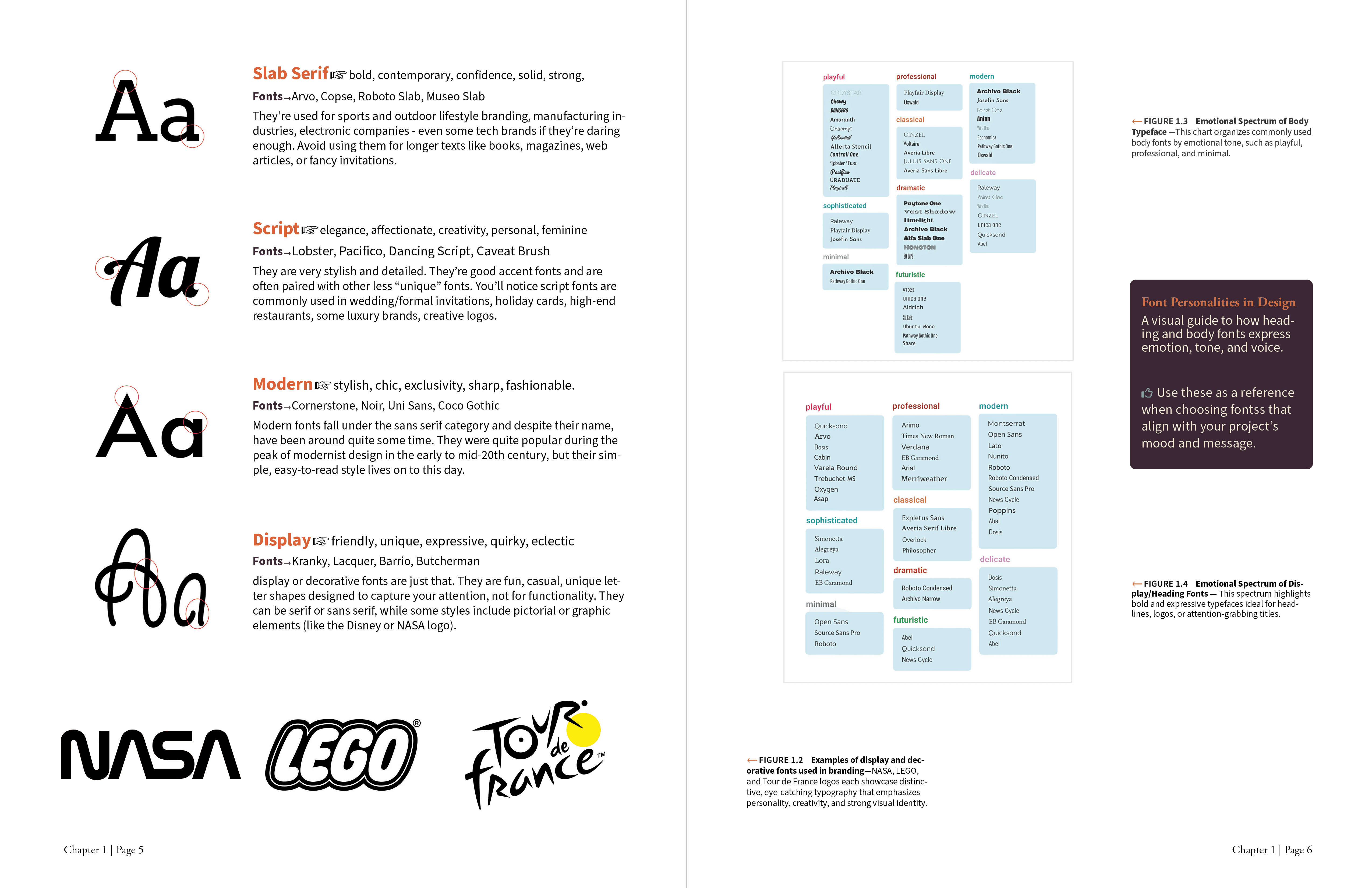
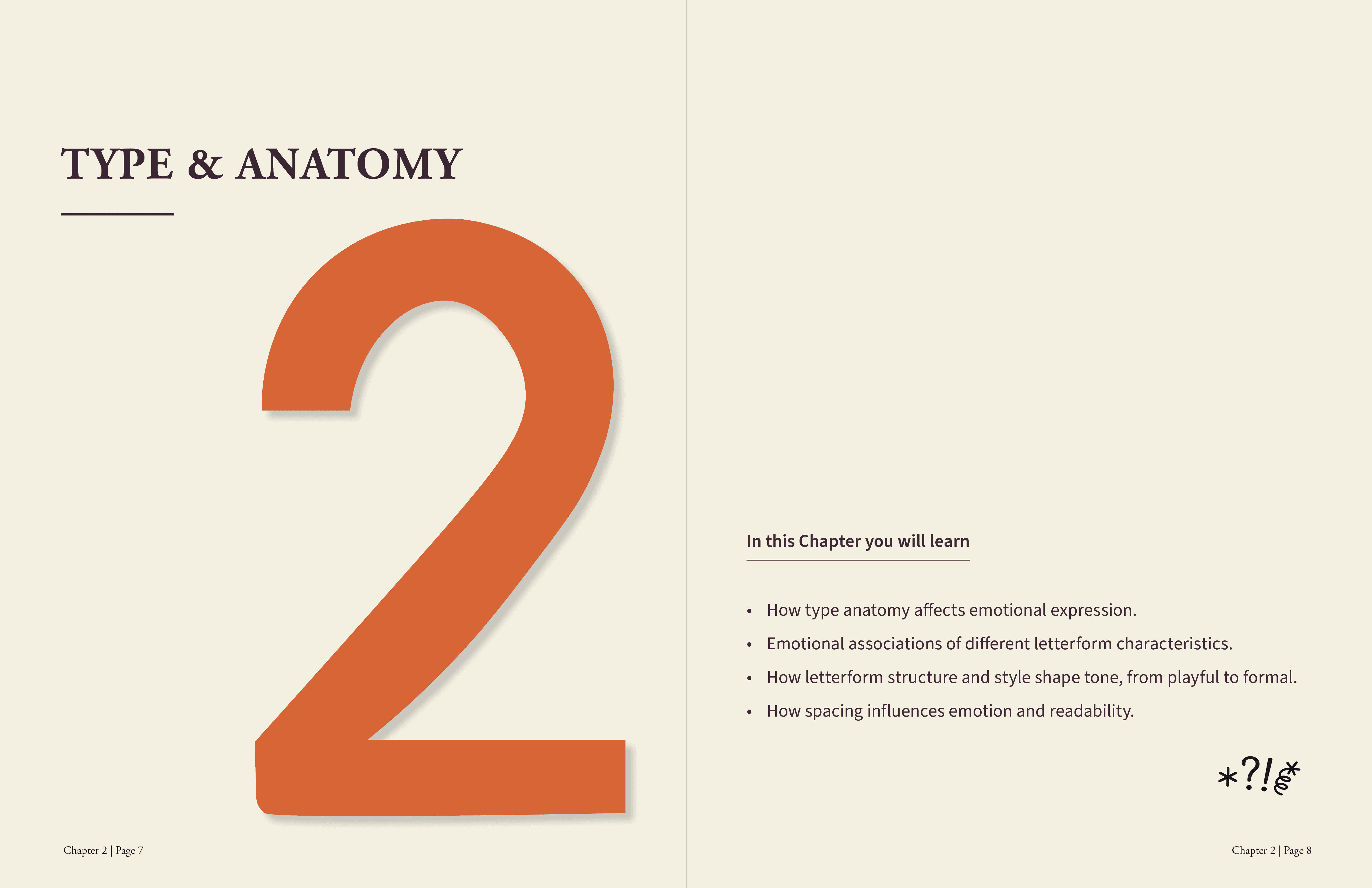
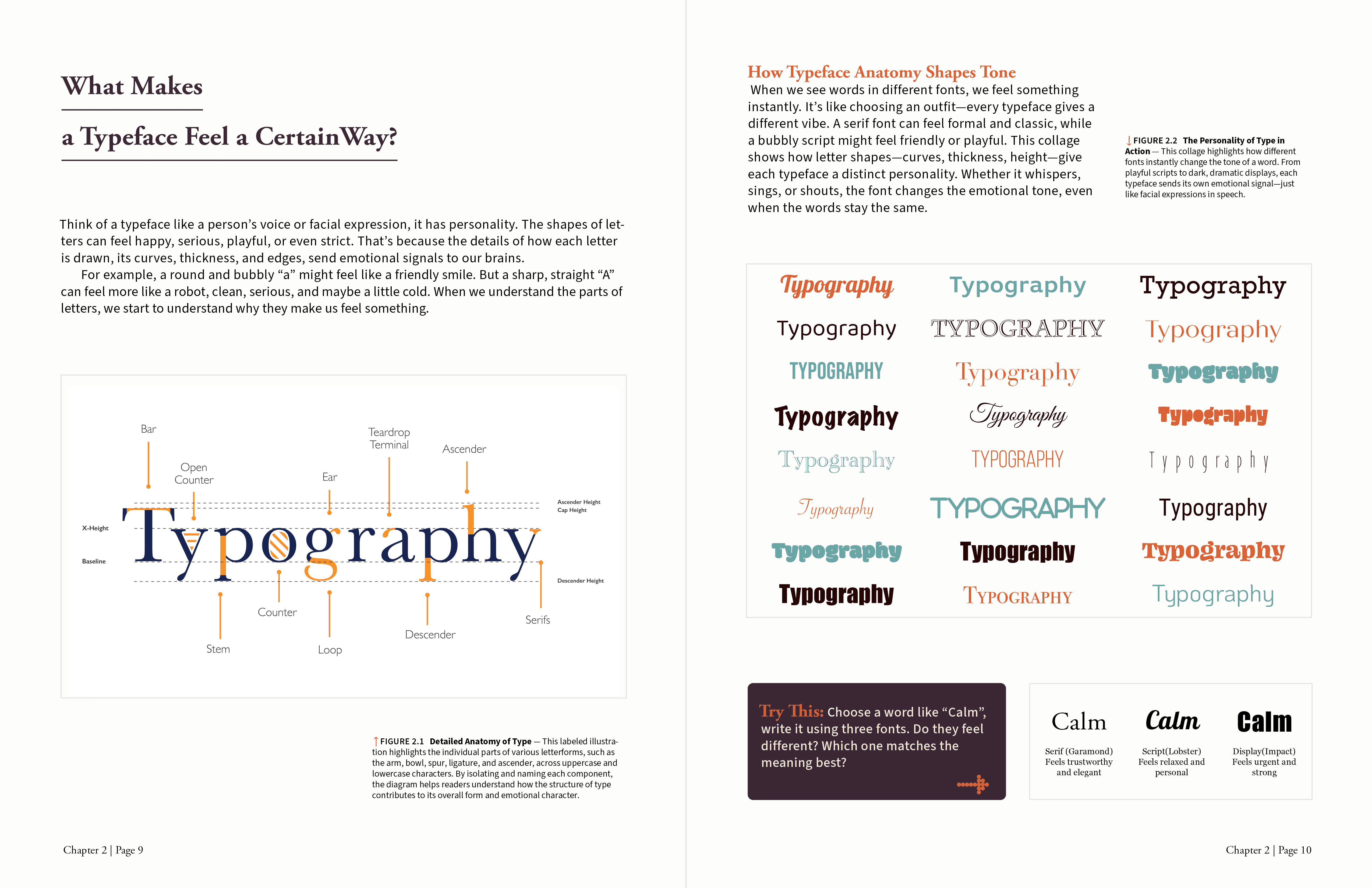
Selected Spreads
Inside the Book
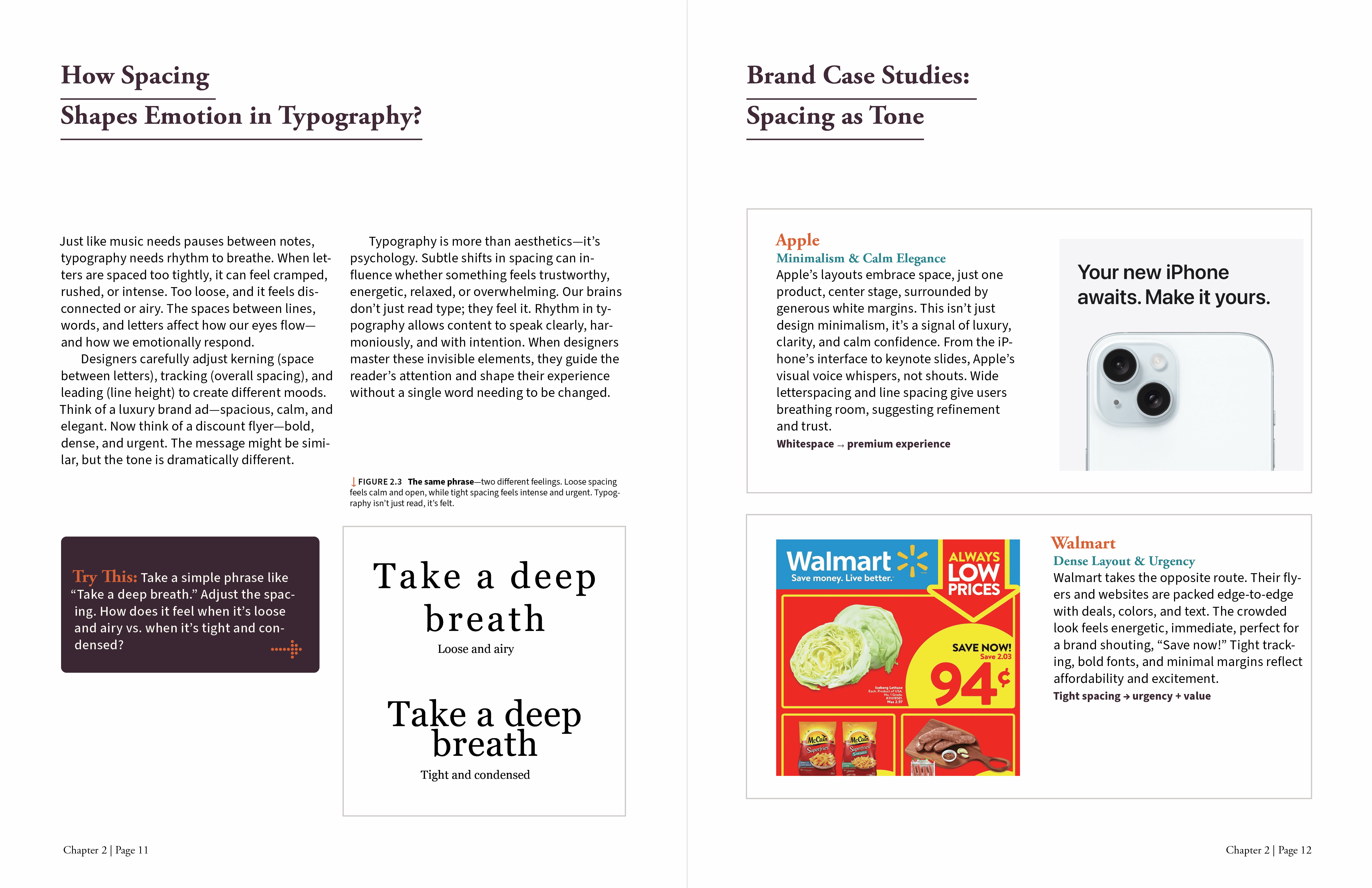
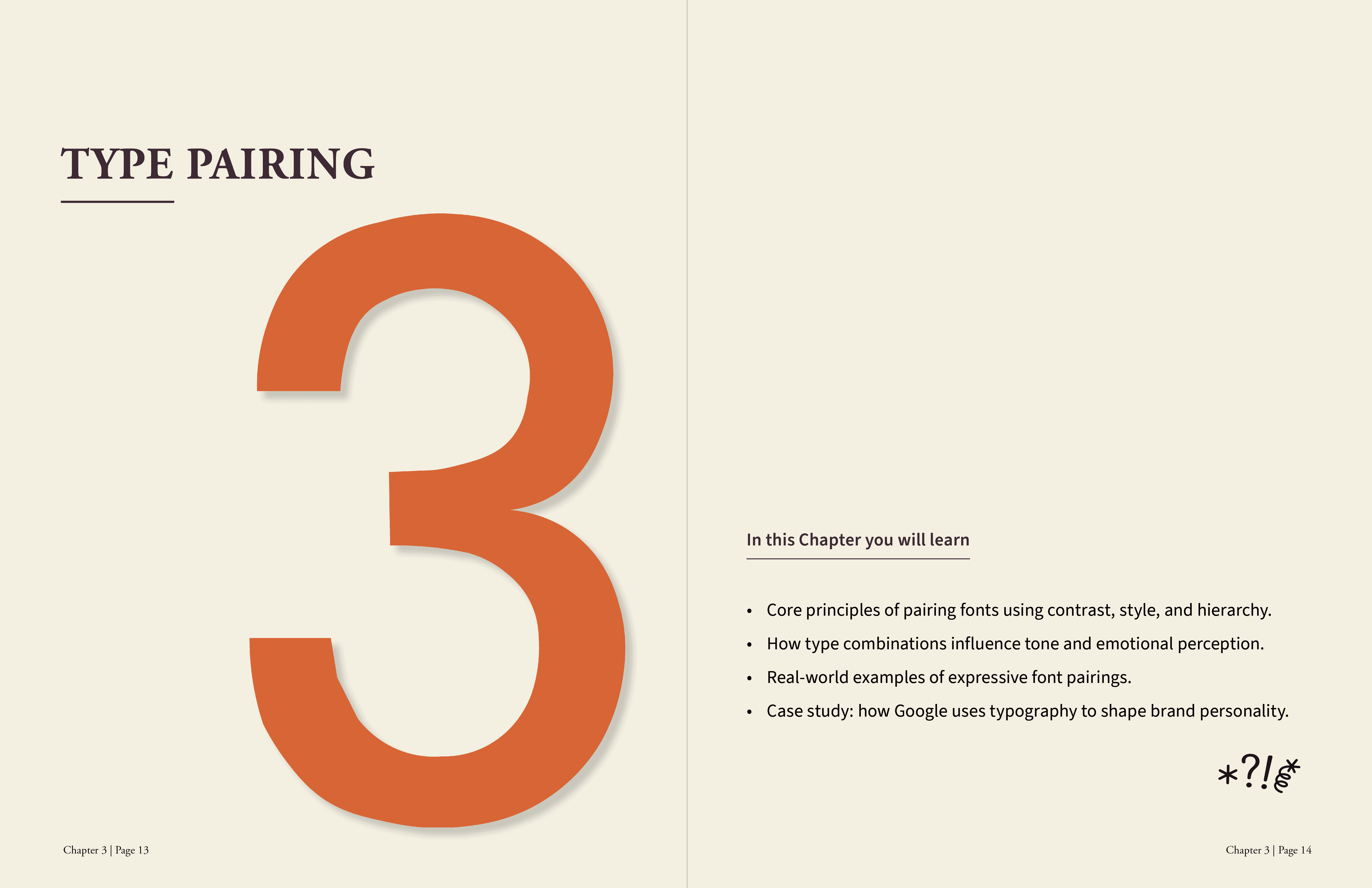
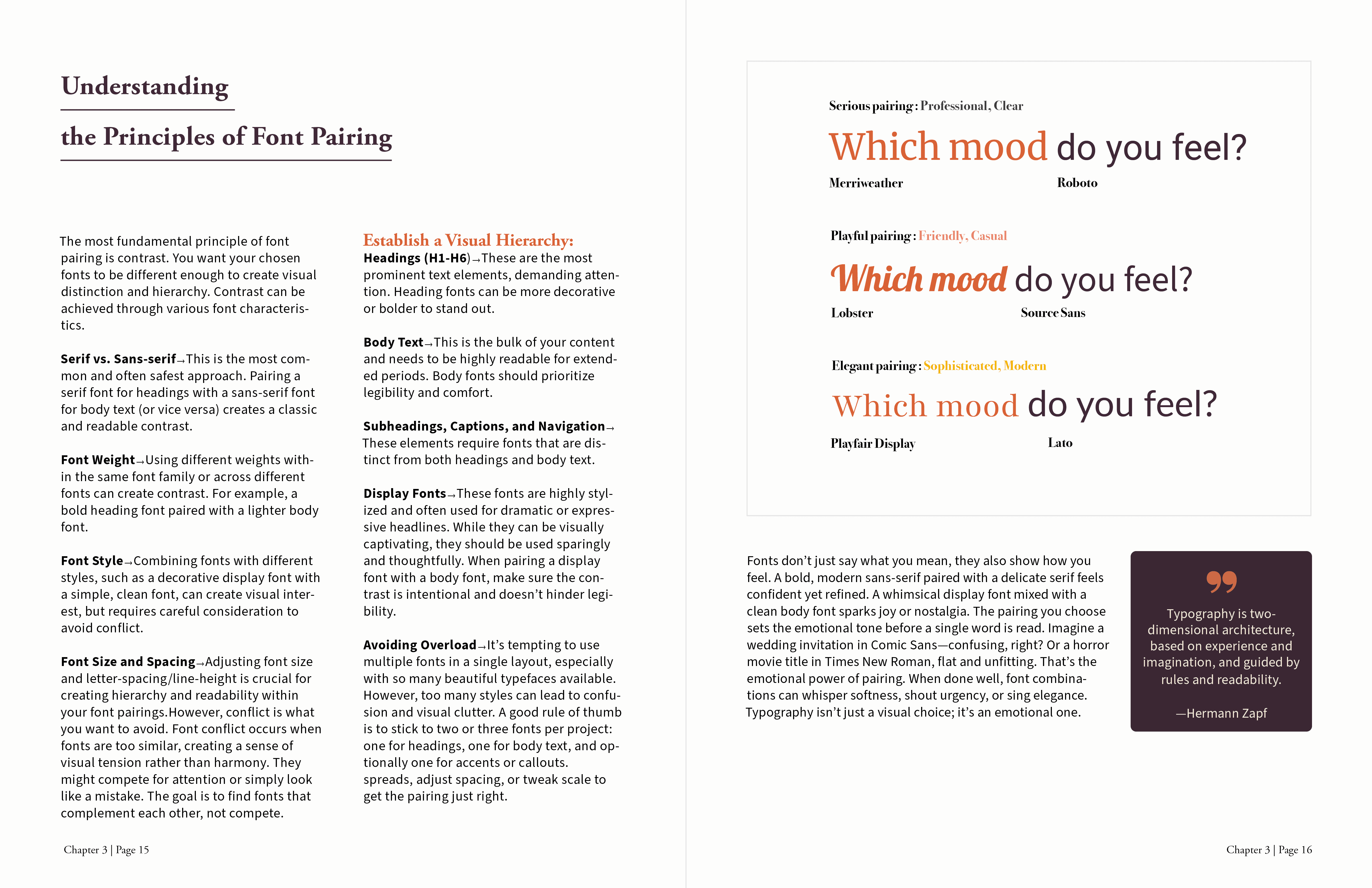
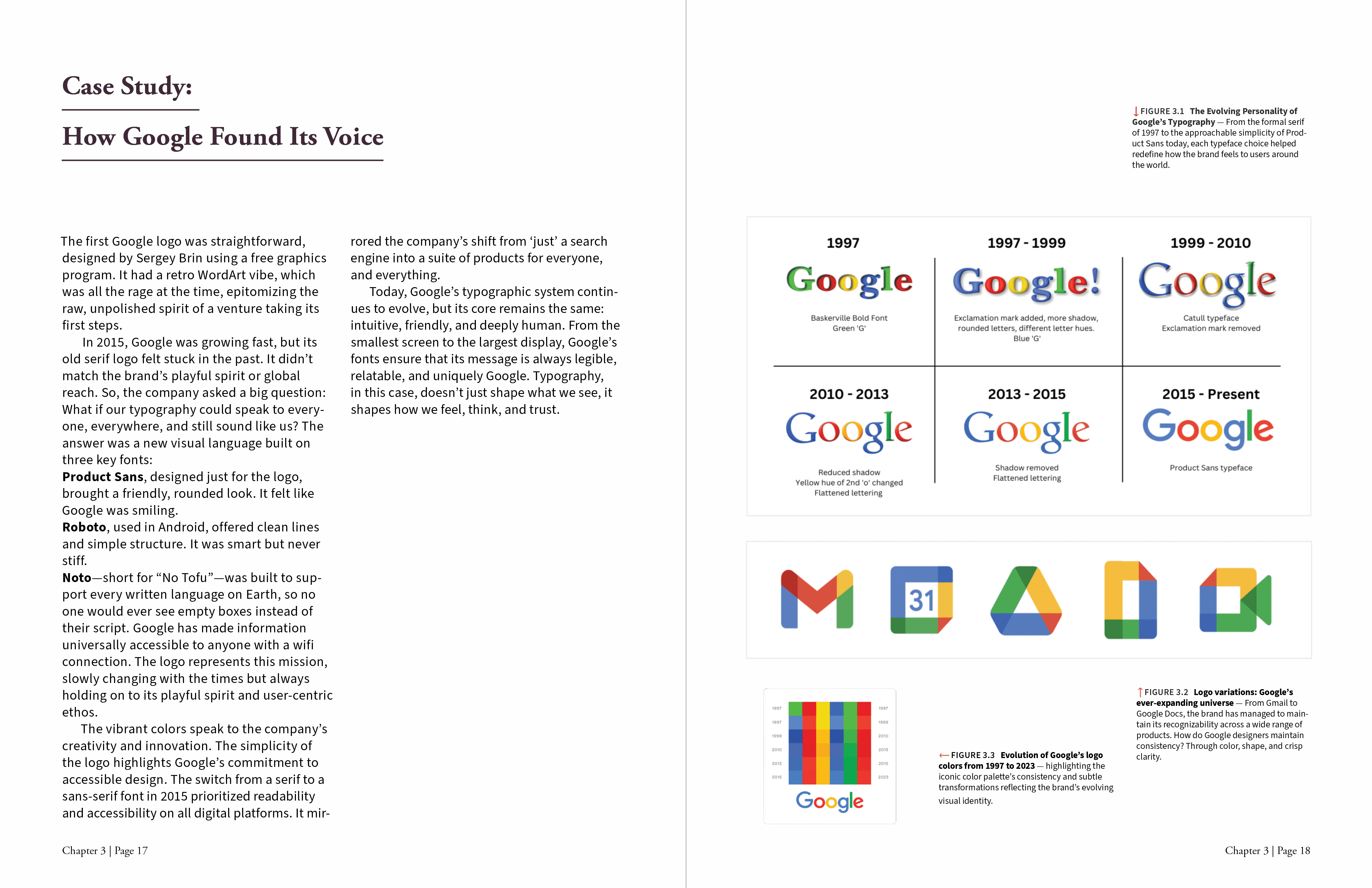
Responsive Web Experience
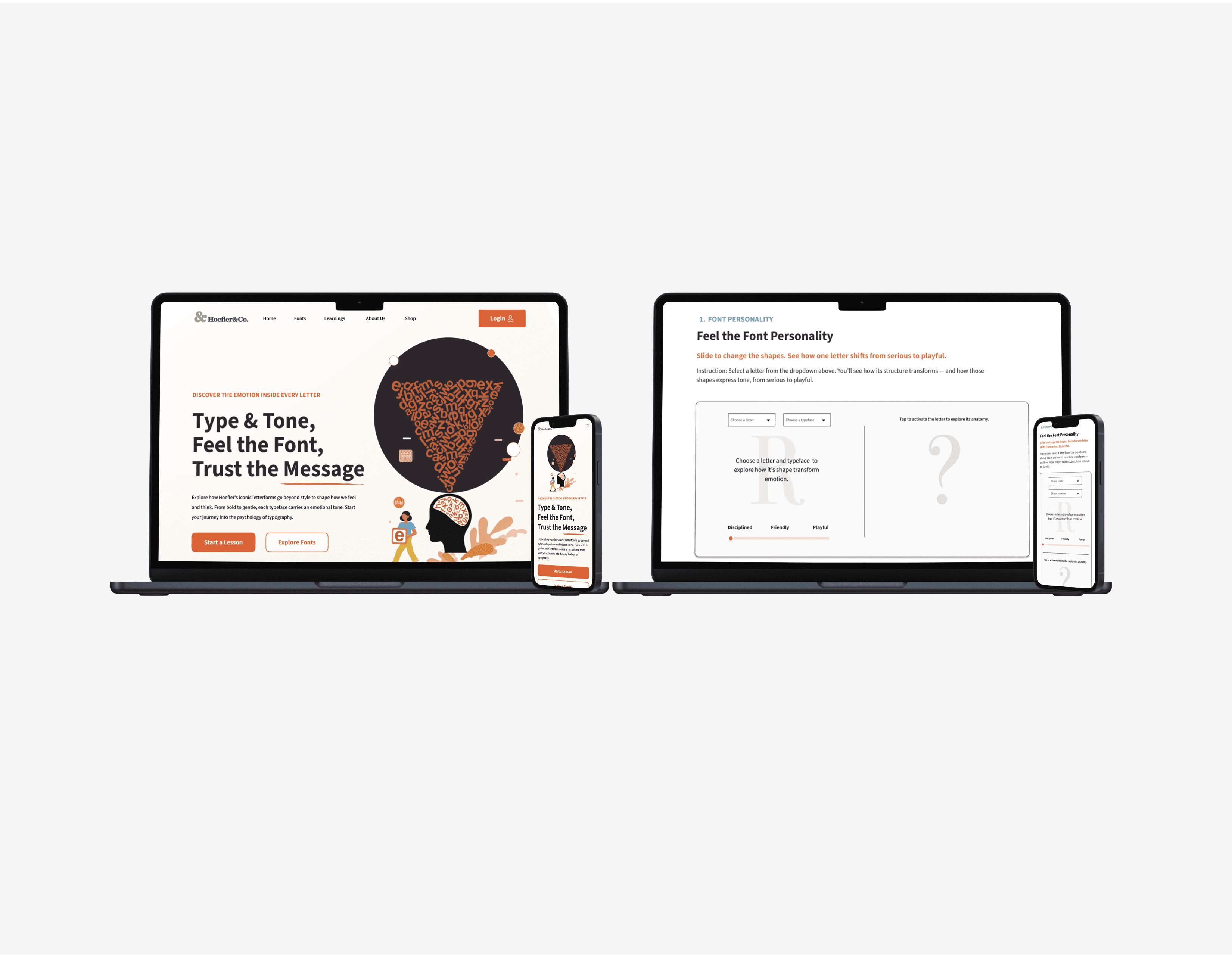
Responsive redesign of the Hoefler & Co. type foundry, extending my Type & Tone book into a web experience. A two-page site, Homepage and Learning page, introduces the foundry’s emotion-driven approach to type and teaches type anatomy, emotional typography, and font pairing using the same grid, colors, and typography as the book.
Outcome & Reflection
This project helped me practice building a real website from start to finish. I coded the layout with HTML, CSS, and JavaScript, made it responsive for different screens, and created simple reusable parts like the nav and cards. Putting it live and using GitHub gave me more confidence working with real code and deployment.
